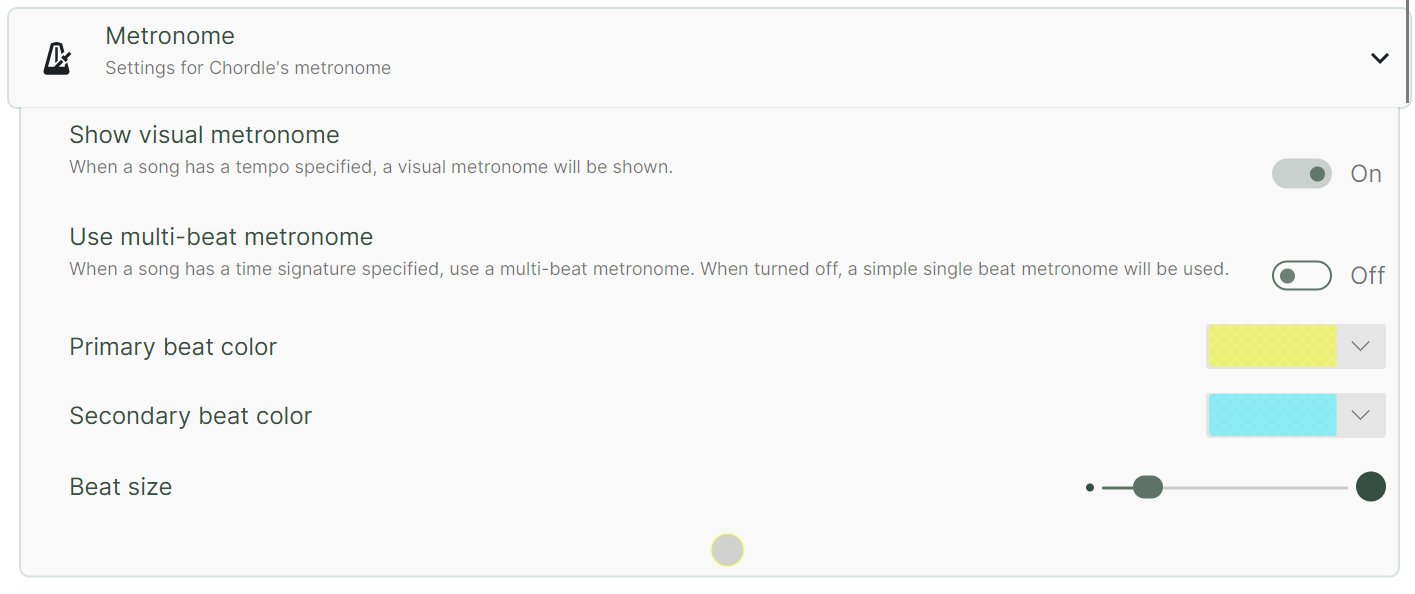
When a tempo is specified in a song, the visual metronome will be shown at the bottom of the screen. Chordle also has an audio metronome that plays a sound on each beat if you prefer to hear the beat rather than watch for it.
A multi-beat metronome will only be shown if the song’s time signature is specified in addition to the tempo. If only the tempo is specified, a single beat metronome will be shown instead.
If you want to change the appearance or completely remove the visual metronome, you can do so through the Metronome section of the settings pane: